File & Program Analysis with DIE
 Mücahit Topal

Hello friends, I am going to tell you about an application that is mostly used in the field of reverse engineering. With this application you can get detailed information about a file or an application you have on hand.
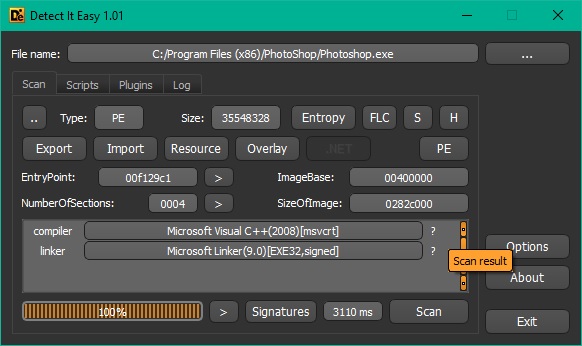
Say you have a file but know nothing about it; there is some information inside that you need, but you do not know how to get to it. This is where DIE (Detect It Easy) comes to your rescue. You just drag the file onto it and get detailed information right away.

Let me explain with another example: you need to get to the source code of an application, but an outer shell has been built around it, or it has been packed, or some other tool has been used on it. You can see what these are and get past them one by one.


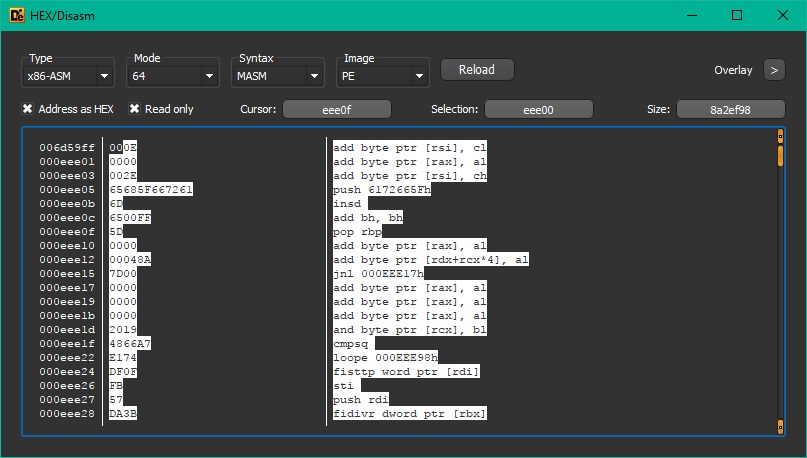

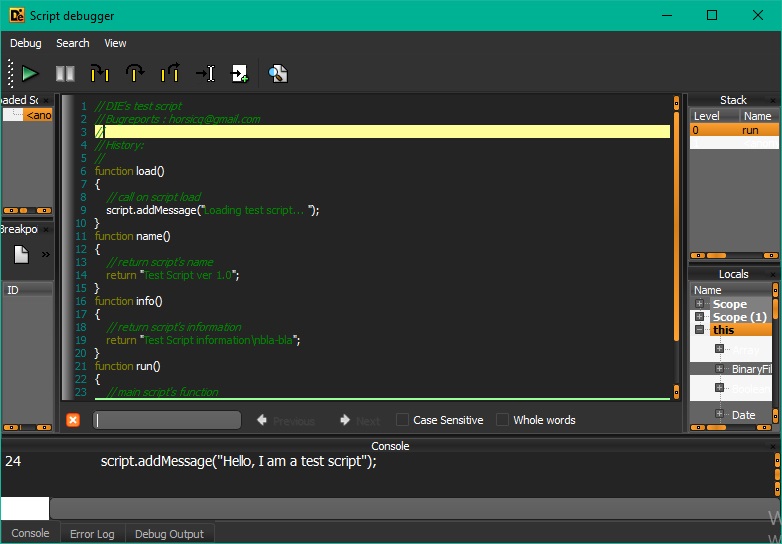
I have briefly covered the application with simple examples; if we look at its more technical side;
DIE is a cross-platform application; besides the Windows version, there are also versions available for Linux and Mac OS as well.
Programs of this kind (PEID, PE tools) allow the use of third-party signatures. Unfortunately, these signatures only scan bytes against a predefined mask, and it is not possible to specify additional parameters. As a result, false triggers and incorrect detections can occur frequently. Fairly complex algorithms are usually defined in the program itself. So, to add a new complex detection, the whole project has to be recompiled. Many developers may change the detection algorithm. Over time, programs of this kind lose their appeal if they are not continuously supported.
Detect It Easy has a fully open signature architecture. You can easily add your own algorithms that detect things or modify the ones that already exist. This is achieved by using scripts. The scripting language is very similar to JavaScript, and anyone who knows the basics of programming will easily understand how it works. Some may wonder whether the scripts run too slowly. Indeed, scripts run slower than compiled code, but thanks to the good optimization of the Script Engine this does not cause any discomfort. The possibilities of the open architecture make up for these limitations.
DIE is available in three versions. The basic version (DIE), the Lite version (DIEL) and the console version (DIEC). All three use the same signatures, which are located in the db folder. If you open this folder you will find nested subfolders (Binary, PE and others). The names of the subfolders correspond to file types. First, DIE determines the type of the file and then loads all the signatures found in the corresponding folder. If you try using it for a bit, you will figure it out easily.
I hope you find this application useful...
Stay with love...
Debugger,Detect,Unpacker,Disassembler,Security,ReverseEngineering,Algorithm,JavaScript,Linux,Windows,Mac

